
Tasks, todos, meetings, and shared spacesreplace the side stack of project tools.
Tasks, todos, meetings, and shared spaces — connected to the customers, deals, invoices, and inventory the work is actually about.
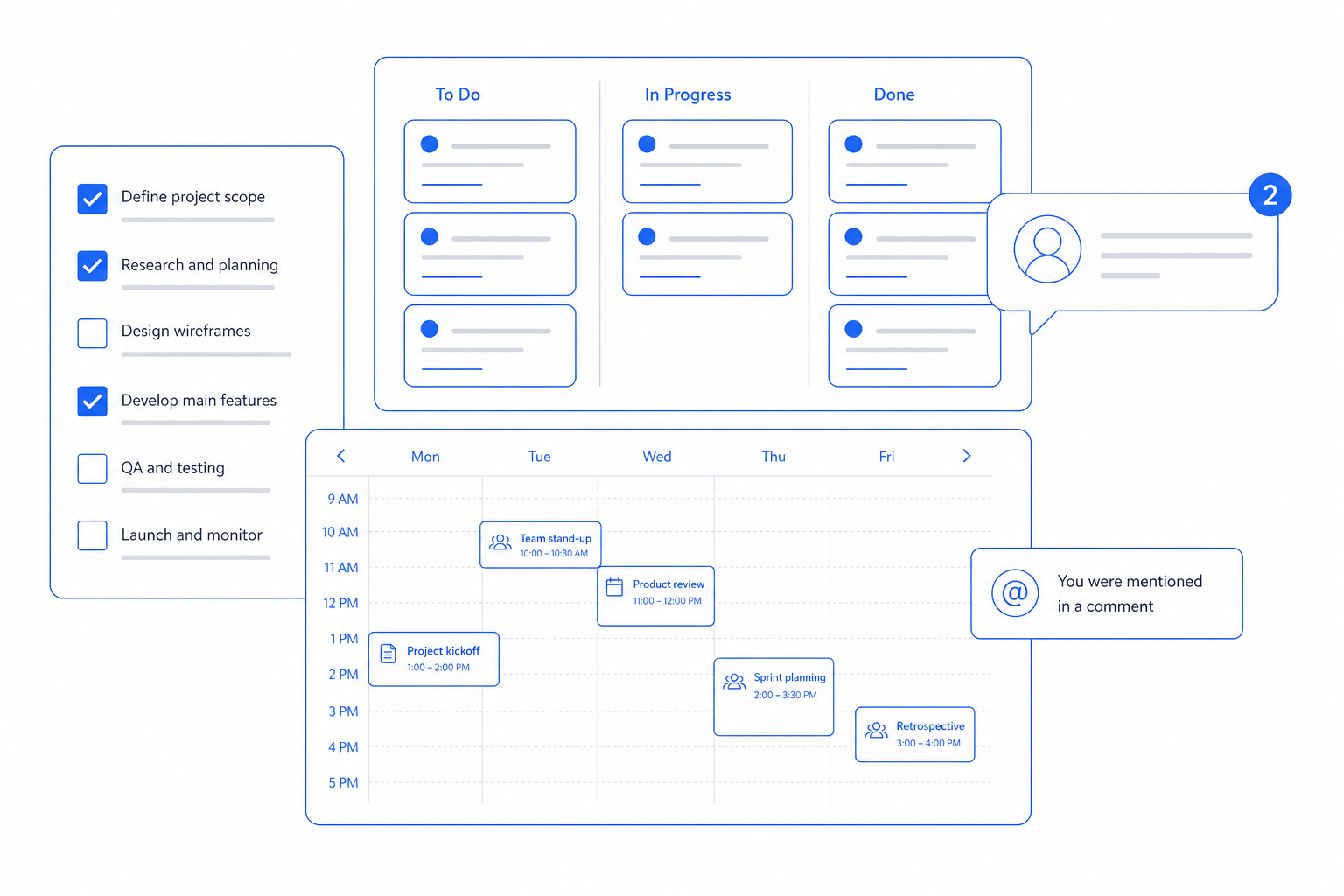
Project tools live next to the real work, never in it. Tasks pile up in Asana while customers live in HubSpot, invoices in QuickBooks, and tickets in Zendesk. CloudIP Productivity puts tasks on the same record they are about — a customer, a deal, an invoice, a maintenance order — so the work has context.
You stop chasing context across five products.
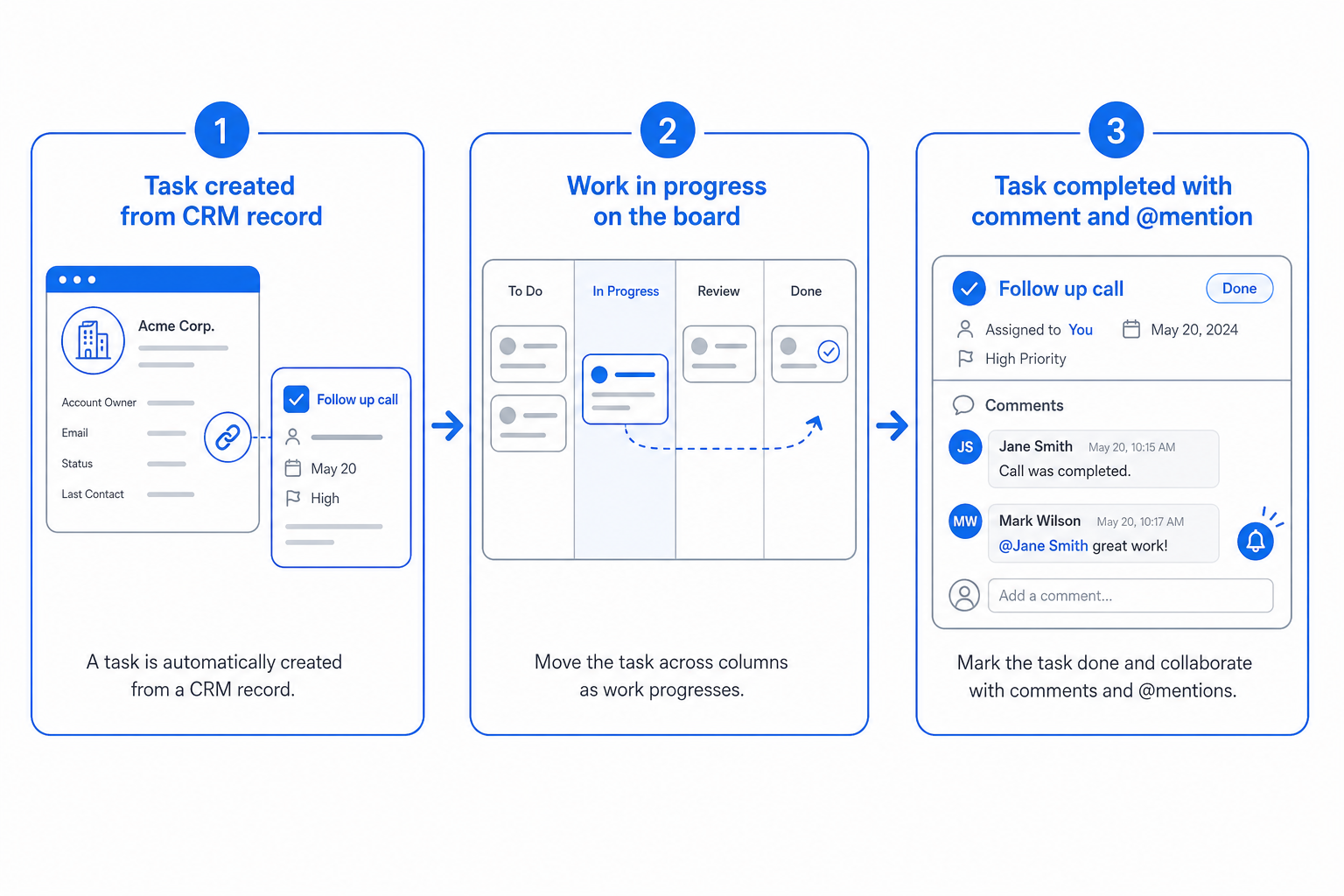
Productivity in three steps
From day one to day one-thousand, this is how the productivity module moves work through your business.
The productivity pillars
Specifics, not slogans — what each part of Productivity actually does for the business.
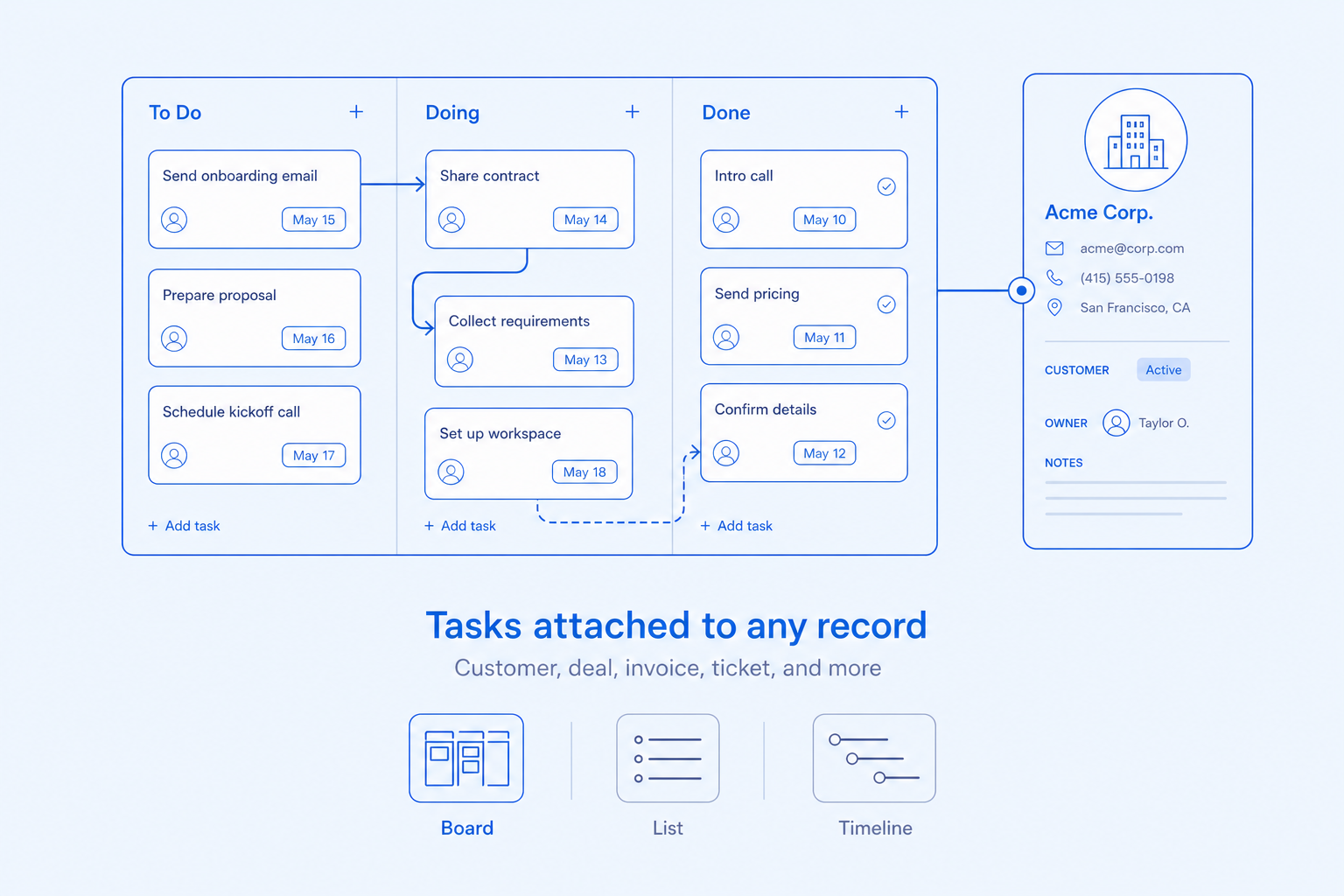
Tasks
Tasks where the work actually happens.
- Tasks attached to any record — customer, deal, invoice, ticket
- List, board, and timeline views
- Dependencies, recurring tasks, and templates
- Assignment with notifications and SLA timers
Todos
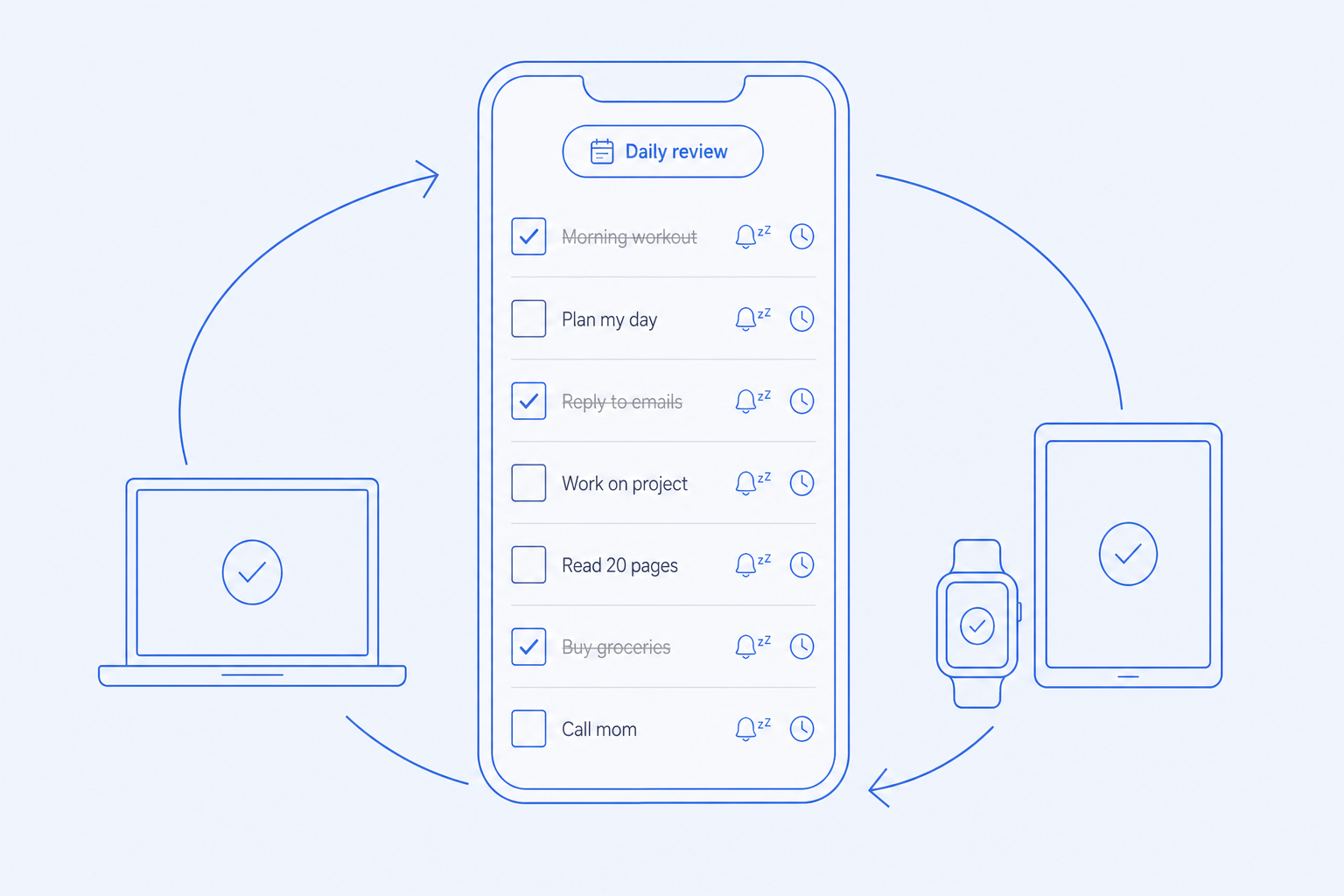
A personal todo list that follows you.
- Personal todos that sync across devices
- Auto-created from assignments, mentions, and due tasks
- Snooze, defer, and reschedule with one click
- Daily review with what is due and what is late
Meetings
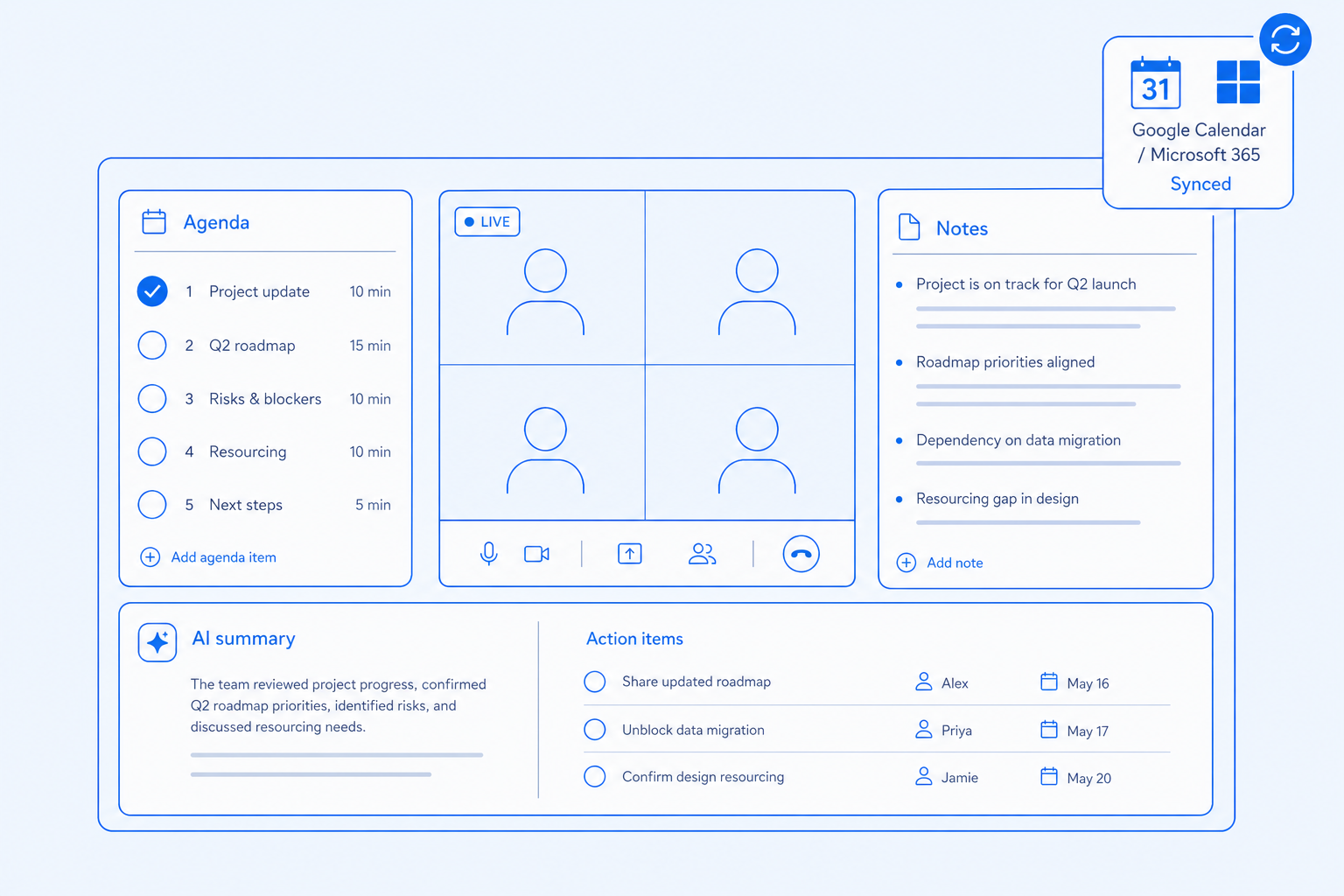
Meetings with agendas, notes, and follow-through.
- Agenda templates and shared notes
- Action items captured during the call
- AI summary attached to participating records
- Calendar sync with Google and Microsoft 365
Spaces and collaboration
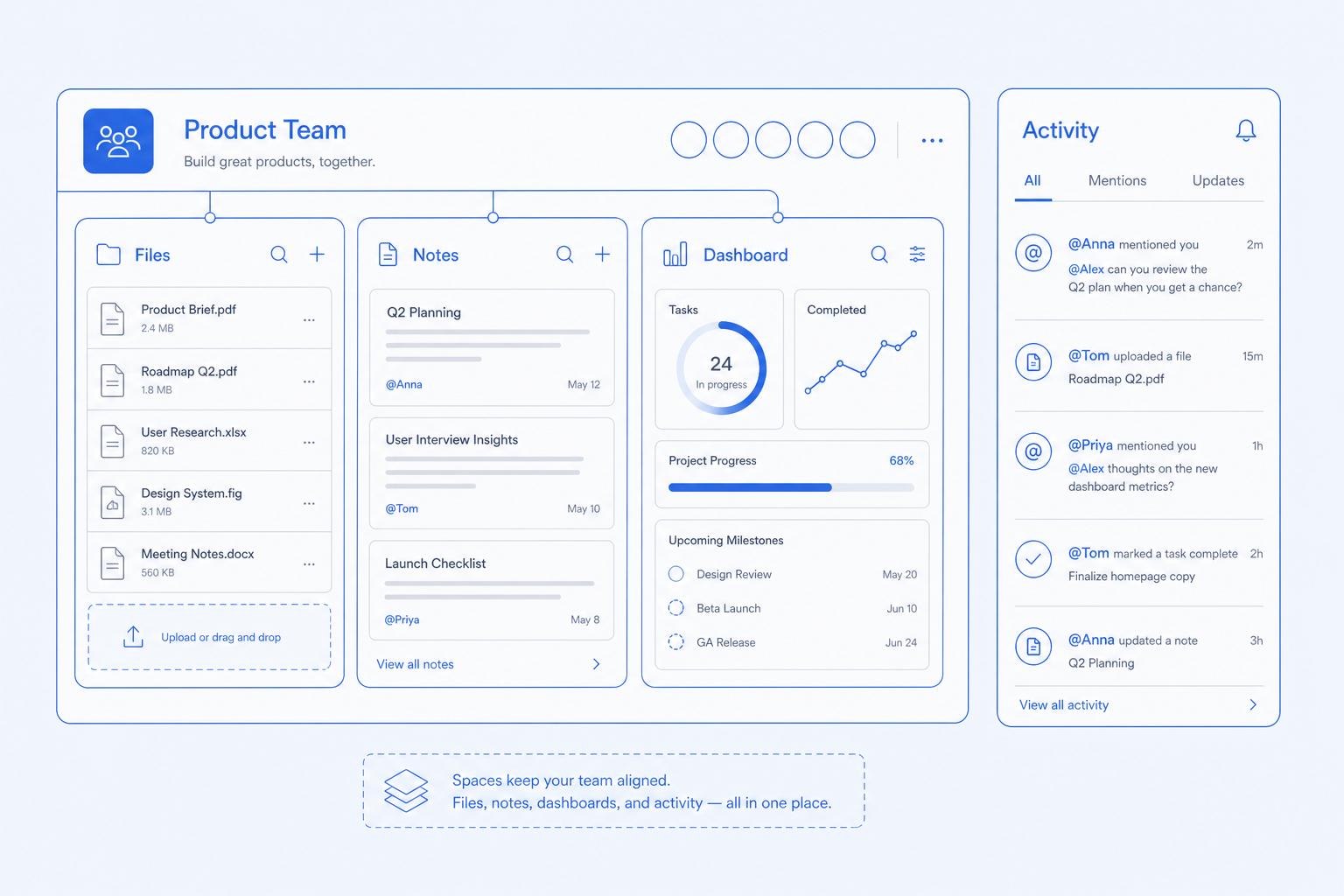
A workspace per team without a separate tool.
- Per-team spaces with files, notes, and shared dashboards
- Comments and mentions across every record
- Activity feeds for what changed since you logged in
- Shared-with-me inbox of every shared file and task
Every capability has its own dedicated page
Click any capability to read what it does, who it is for, and how it works.
Project tasks with assignees, due dates, dependencies, and views.
Personal todo lists that stay in sync across the app.
Agendas, notes, and action items linked to attendees and projects.
Per-team workspaces with files, notes, and shared dashboards.
Comments, mentions, and activity feeds across every record.
Single inbox of every shared file, task, and document.
Who this is for
Three real situations CloudIP customers bring us, and how the platform answers them.
Asana for projects, Notion for docs, Slack for chat — three tools, no context.
Outcome: Tasks live on the customer record. Notes live on the project. Both update CRM.
Personal todos lost in a paper notebook.
Outcome: A daily review showing what is assigned, due, and overdue across the whole platform.
Onboarding tasks for new customers live in Asana but the customer lives in HubSpot.
Outcome: Onboarding template attaches tasks to the customer record itself.
Common questions
Specific answers about Productivity — not marketing fluff.
It covers the productivity surface most SMBs need: tasks with dependencies, board and timeline views, recurring tasks, and templates. Heavy program-management features (resource leveling, complex Gantt math) are intentionally out of scope.
Project work that is never lost
Tasks, projects, and notes are the connective tissue of the company. They get the same data resilience profile as accounting.
Auto-save with conflict resolution
Every edit is committed within seconds and merged with concurrent changes using deterministic rules.
Versioned history
Every record keeps a history of changes that can be inspected and restored.
Real-time on Durable Objects
Live collaboration runs on per-document Durable Objects so a fault in one document cannot affect others.
Thirty-day undo
Deleted tasks and projects remain recoverable for thirty days and surface in the admin restore tool.
More of Productivity
Project tasks with assignees, due dates, dependencies, and views.
Personal todo lists that stay in sync across the app.
Agendas, notes, and action items linked to attendees and projects.
Per-team workspaces with files, notes, and shared dashboards.
Comments, mentions, and activity feeds across every record.
Single inbox of every shared file, task, and document.
Try Productivity on the full platform
14-day trial with every module enabled and the full Hardware Store catalog. No credit card.