
Server Backup
Full-system protection for Windows Server, Linux, and virtualization hosts.
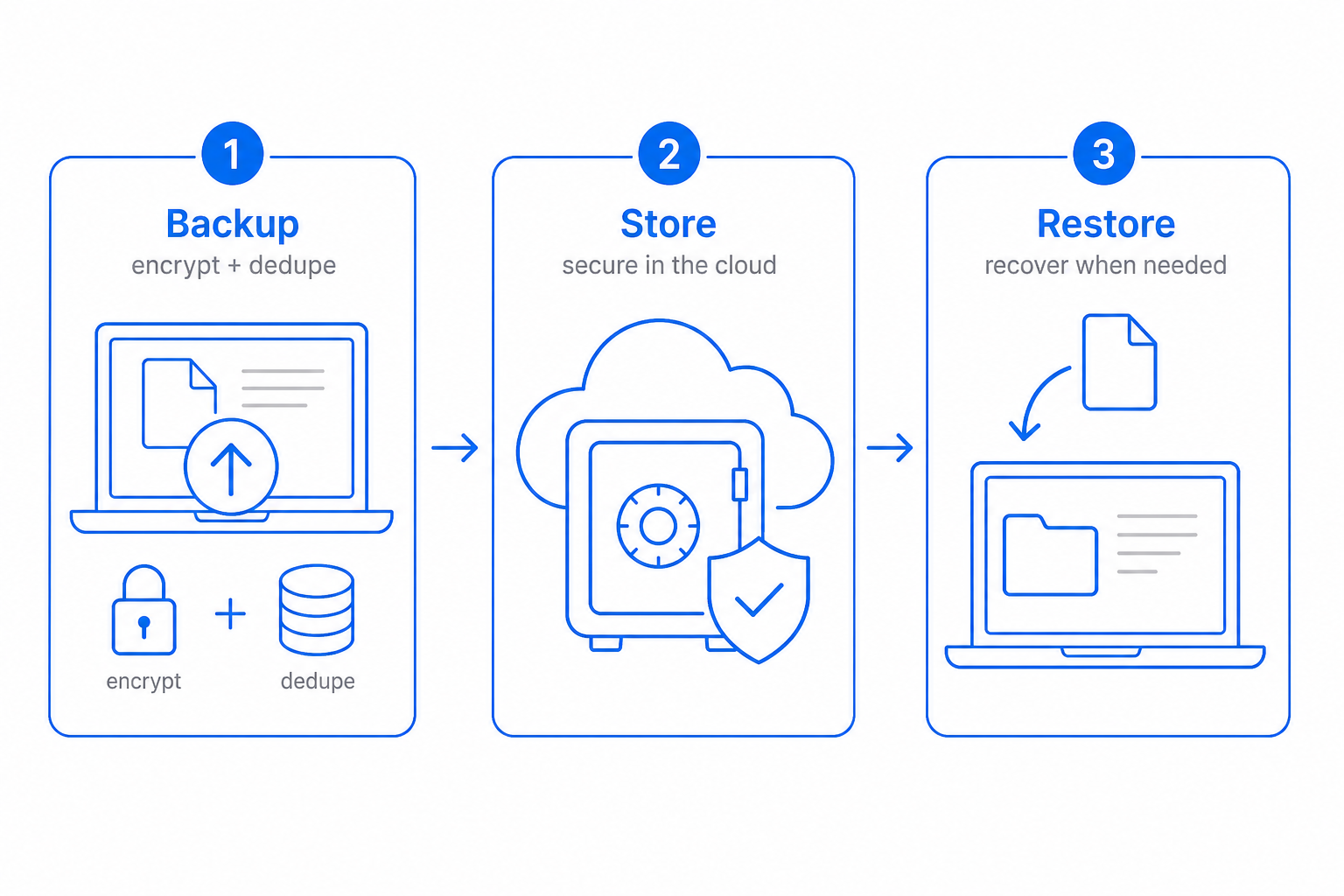
Servers fail differently than laptops: RAID controllers, application-consistent state, and downtime that costs revenue. CloudIP server backup uses VSS on Windows and LVM/ZFS snapshots on Linux to get application-consistent point-in-time captures, then ships them to your vault with restic.
Restore options range from a single deleted file to a full system that boots on replacement hardware overnight.
Inside Server Backup
Specifics that distinguish CloudIP Server Backup from the alternative.
Application-consistent snapshots
VSS writers on Windows; LVM and ZFS snapshots on Linux. SQL, Exchange, and PostgreSQL captured in a quiesced state.
Pre and post hooks
Run scripts before and after each job — pause services, dump databases, switch redo logs.
Bare-metal recovery built in
Boot a recovery ISO, point it at the vault, restore the whole system to identical or replacement hardware.
Restore-test jobs
Schedule periodic test restores to verify your stated RTO is the real RTO.
Server Backup on the CloudIP platform
Where this capability lives, who runs it, and what it shares with the rest of the system.
Server Backup runs as part of the CloudIP Backup & Recovery module on the same multi-tenant infrastructure as every other capability you use. There is no separate console to log into and no separate billing line: server backup software is provisioned the moment your tenant is created and stays in lockstep with the rest of the platform as it grows.
Operators interact with server backup software through the Backup & Recovery interface they already know — the same record screens, the same audit trail, the same role and permission model. Behind the scenes, application-consistent snapshots handles the heavy lifting, while restore-test jobs keep the experience consistent across teams. Configuration changes are versioned, exportable, and reviewable, so the way you run server backup software today is reproducible tomorrow.
Because Server Backup reuses the platform's user database, every action is attributable, every record has a stable ID, and every export honours the tenant's data residency choice. That means server backup software reports tie out to the rest of the books, audit logs, and operational dashboards without an integration step in between.
Server Backup fits inside CloudIP Backup & Recovery alongside the other backup & recovery capabilities — they share the same data model, so improvements in one tend to compound across the others. If you are evaluating CloudIP specifically for server backup software, the rest of Backup & Recovery comes along at no extra cost.
Common questions about Server Backup
Yes — and they are on by default. CloudIP uses VSS writers on Windows and LVM/ZFS snapshots plus pre/post hooks on Linux to quiesce databases before the snapshot runs. Without it, the backup is crash-consistent only, which often replays fine but is not what you want for production databases.
More from Backup & Recovery
Continuous offsite protection for files, folders, and shares.
Laptop and desktop protection that survives lost or stolen devices.
Restore an entire machine to identical or replacement hardware.
Roll back to a clean point-in-time after an attack — in minutes.
Tamper-proof restore points that no admin (or attacker) can delete early.
Copies of your data live across seven US regions, automatically.
Try Backup & Recovery free for 14 days
See Server Backup alongside the rest of the platform on real data.