
Build a fast, on-brand site with a drag-drop editor and publish on your domain.
Build a fast, on-brand site with a drag-drop editor and publish on your domain — without paying for a separate website tool.
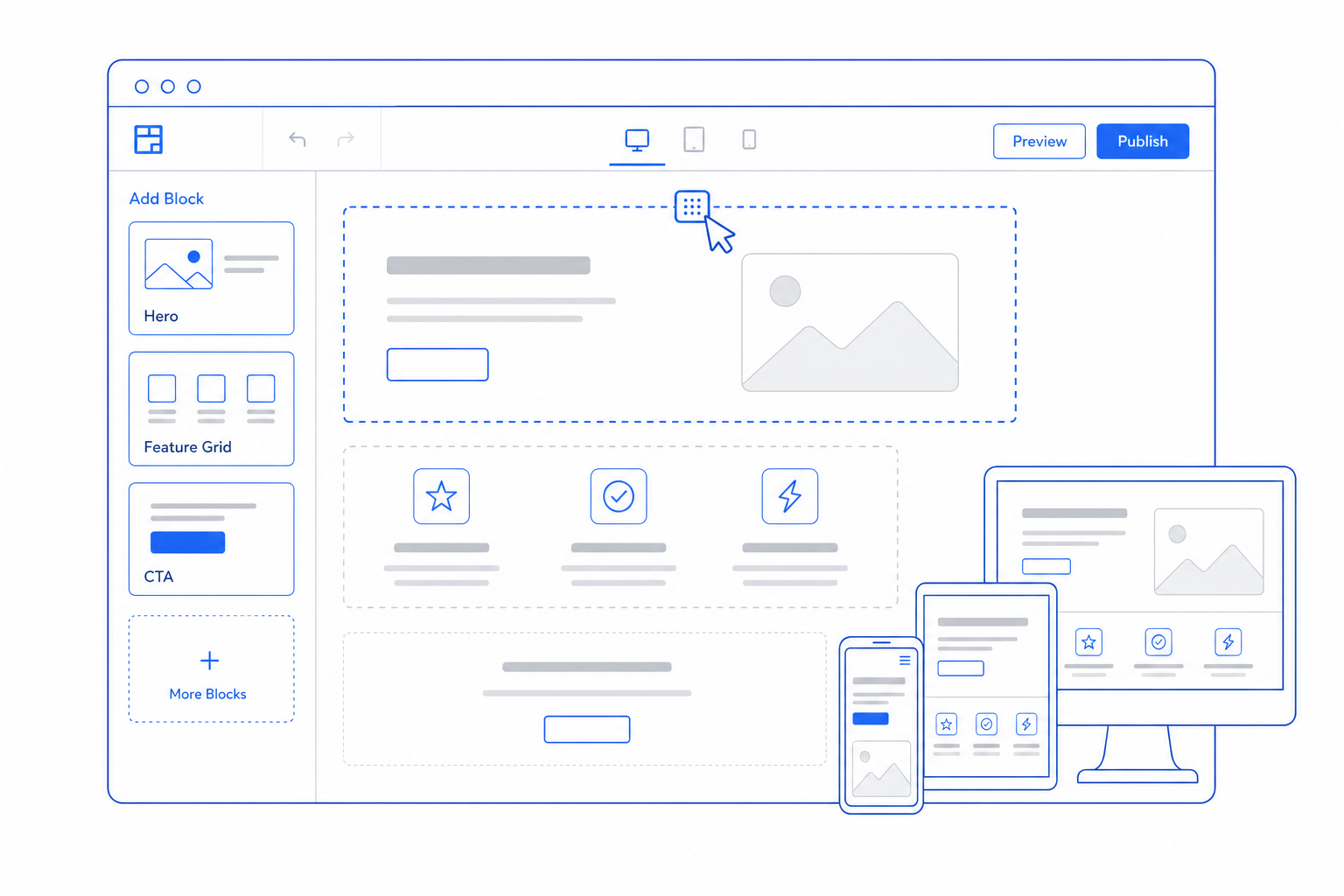
A website is a permanent operational dependency. Pick a separate vendor and you spend forever syncing content, forms, and customers between systems. CloudIP Website Builder lives in the same place as the rest of your business, so a contact form is a CRM lead, a blog post can include the latest pricing, and a product page links to live POS inventory.
The editor is drag-drop, the output is fast, and the hosting is included.
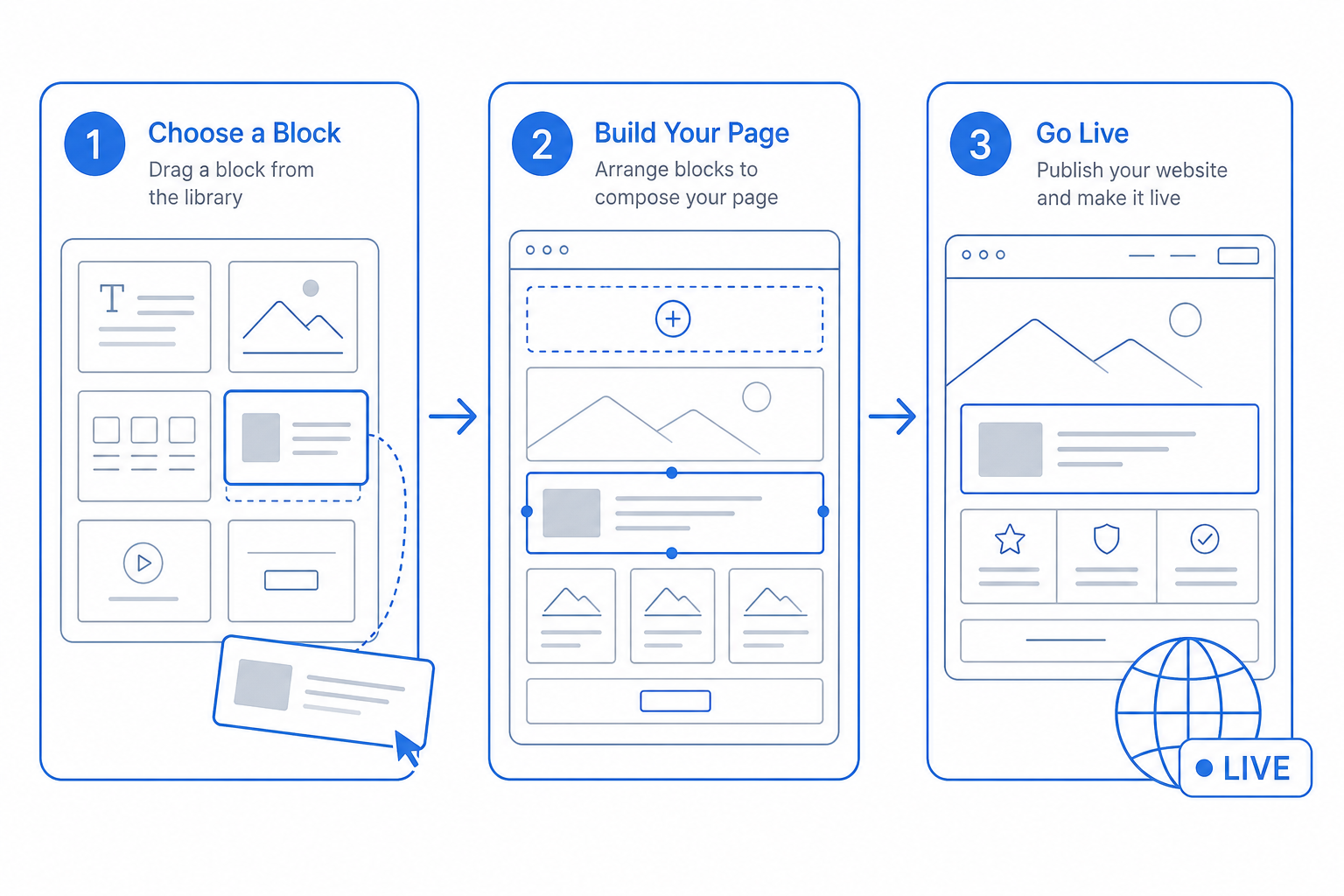
Website Builder in three steps
From day one to day one-thousand, this is how the website builder module moves work through your business.
The website builder pillars
Specifics, not slogans — what each part of Website Builder actually does for the business.
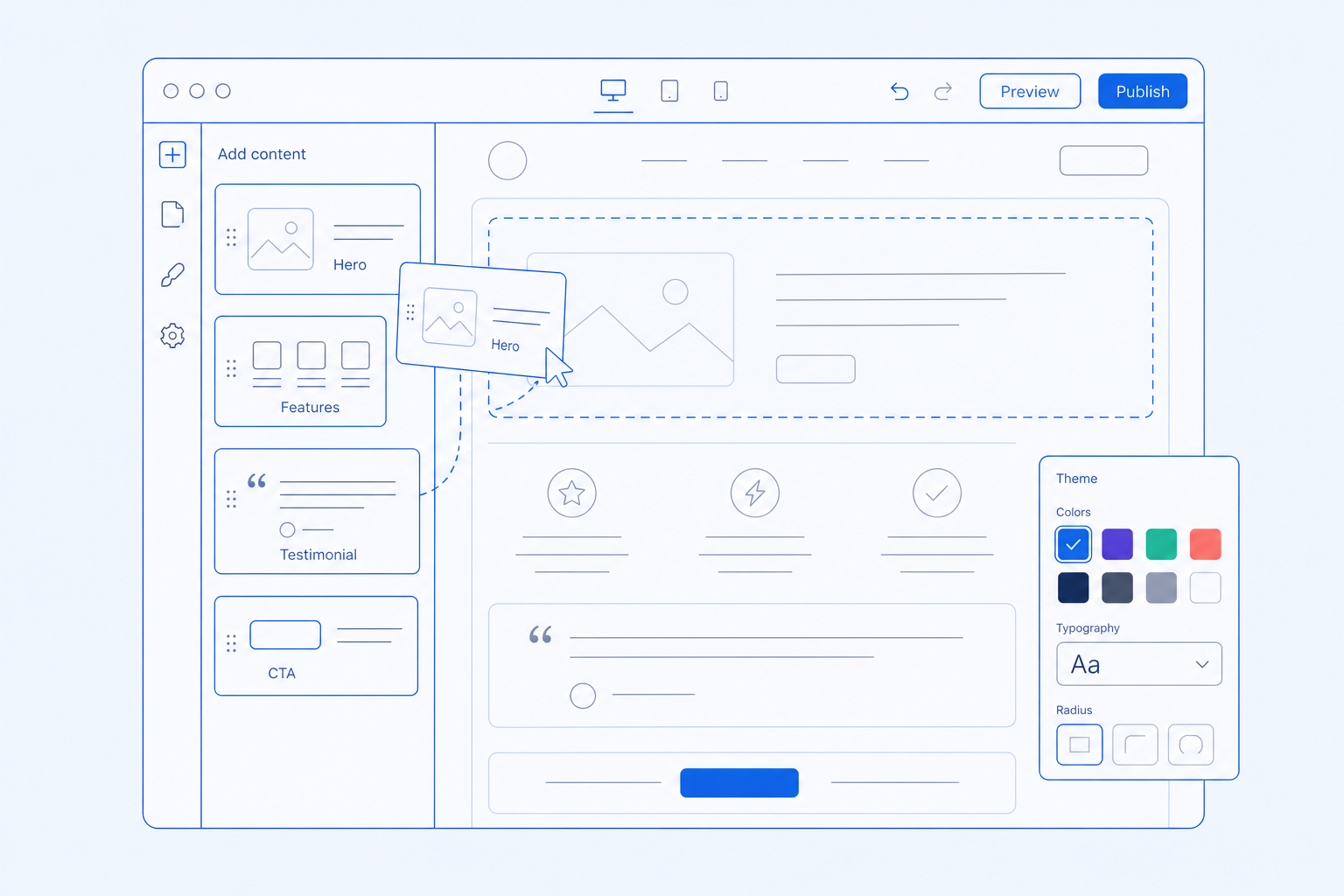
Drag-drop editor and themes
Launch in a day, refine forever.
- Visual editor with reusable blocks and brand tokens
- Pre-built themes tuned for SMB use cases
- Component-level overrides without code
- Preview on desktop, tablet, and mobile
CMS, blog, and forms
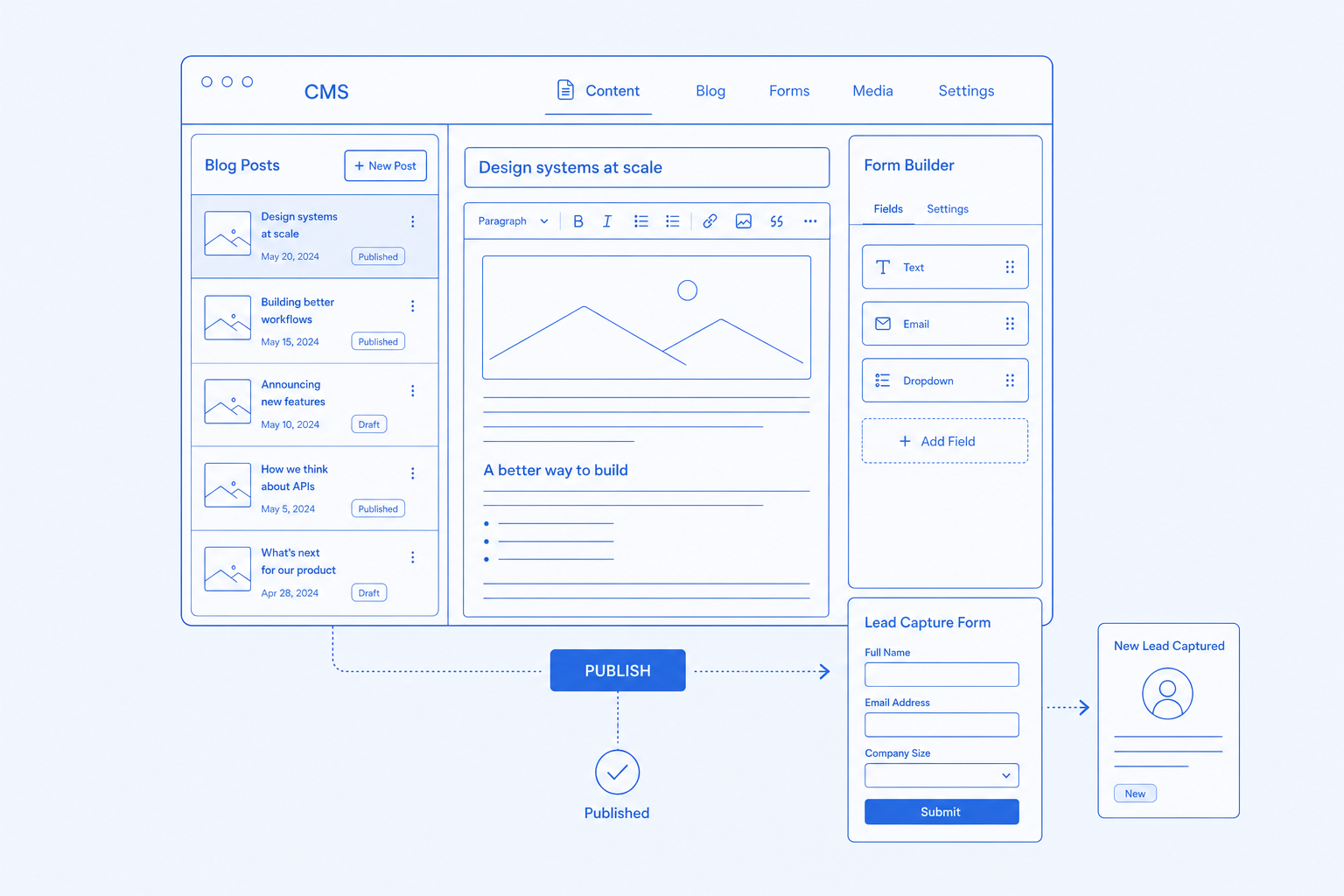
Content that feeds into the rest of the platform.
- Headless CMS for landing pages and blog posts
- Blog with categories, authors, and RSS
- Forms wired into CRM and Marketing automations
- Webhooks for custom integrations
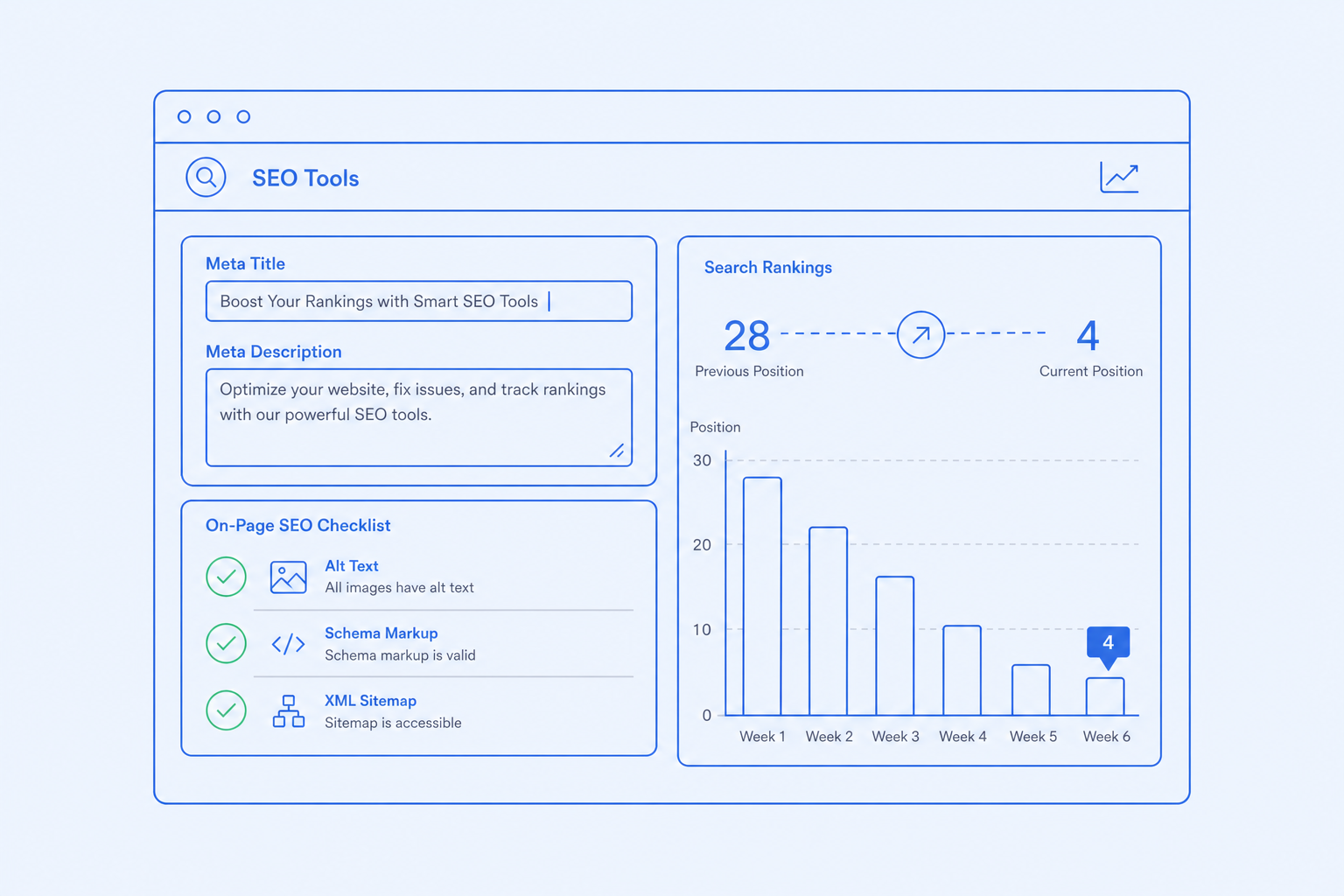
SEO tools
Rank without an SEO consultant.
- Per-page metadata, OG image, and schema
- Auto-generated sitemap and robots
- Image optimization and lazy-loading by default
- Core Web Vitals scoring per page
Multi-language and domains
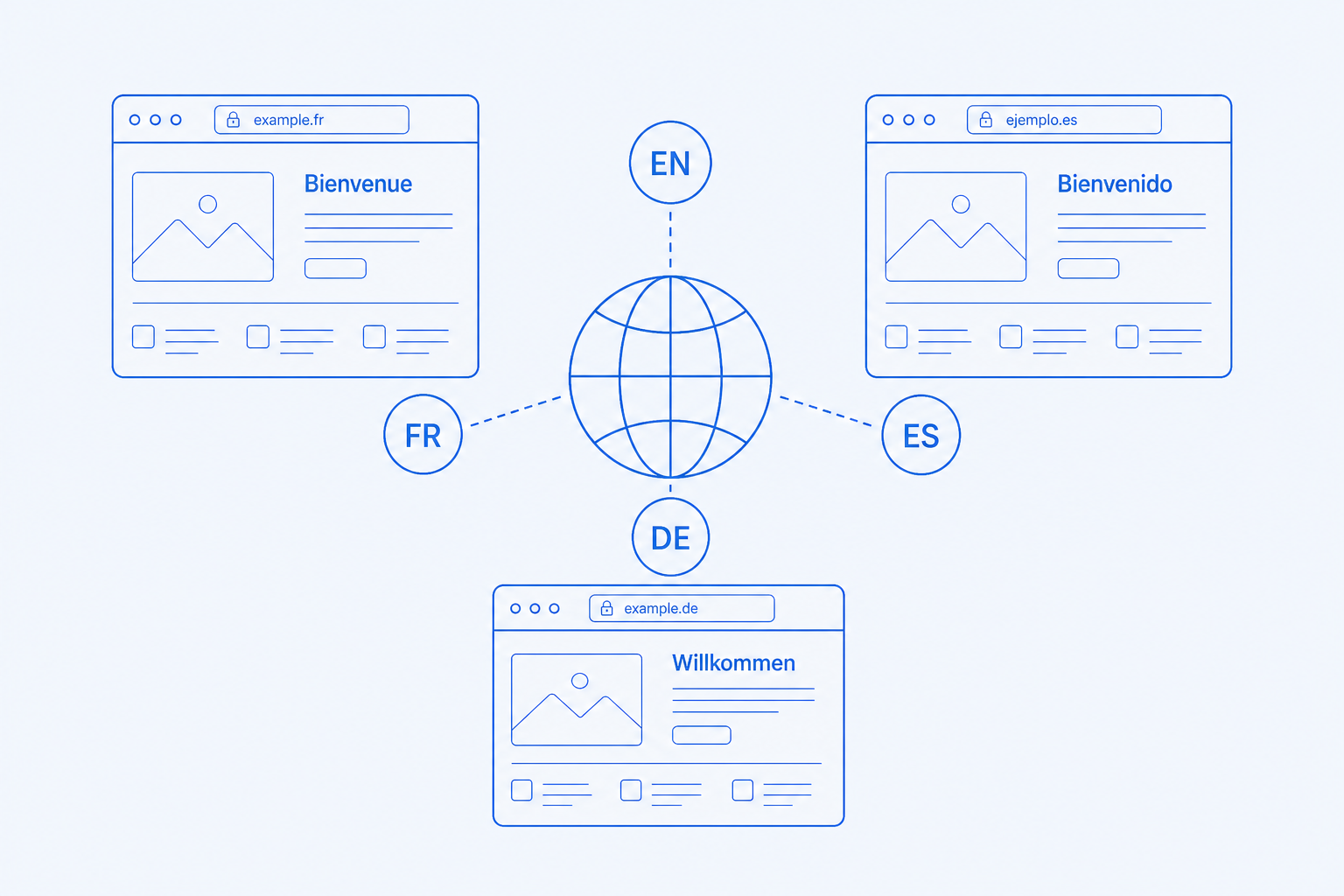
One project, many markets.
- Multiple domains in one workspace
- Localized URLs with hreflang tags
- Language fallbacks per page
- Per-domain analytics and brand themes
Every capability has its own dedicated page
Click any capability to read what it does, who it is for, and how it works.
Visual editor with reusable blocks and brand tokens.
Pre-built themes and blocks tuned for SMB use cases.
Headless CMS for landing pages, blog posts, and case studies.
Lead capture forms wired into CRM and Marketing automations.
Page-level metadata, schema, sitemap, and OG image automation.
Multiple domains, languages, and sub-paths from one project.
Who this is for
Three real situations CloudIP customers bring us, and how the platform answers them.
Squarespace for the site, HubSpot for the CRM, Mailchimp for newsletters.
Outcome: Site, CRM, and marketing in one place with no integrations.
Two storefronts on Shopify means two CMSes, two blog templates.
Outcome: One workspace publishes to multiple domains, brands, and languages.
WordPress maintenance and security patches eat half a day a month.
Outcome: A managed builder with no plugins to update.
Common questions
Specific answers about Website Builder — not marketing fluff.
WordPress, Webflow, and Squarespace exports can be imported as a starting point. The editor flattens to clean blocks; you keep the content, not the plugin sprawl.
Websites that stay up when your stack does not
Customer websites are served from the edge, not from your main application database, so they stay up even during platform maintenance.
Edge-served pages
Published pages are cached at the edge and continue to serve traffic even during a platform-wide deploy or incident.
Atomic publish
A new version of a site goes live in a single atomic flip; partial publishes are not possible.
Form submission queue
Form data is written to a queue first and to the database second, so a database blip does not lose leads.
Per-site feature flags
Risky features can be enabled on a single site for testing and disabled instantly without a deploy.
More of Website Builder
Visual editor with reusable blocks and brand tokens.
Pre-built themes and blocks tuned for SMB use cases.
Headless CMS for landing pages, blog posts, and case studies.
Lead capture forms wired into CRM and Marketing automations.
Page-level metadata, schema, sitemap, and OG image automation.
Multiple domains, languages, and sub-paths from one project.
Try Website Builder on the full platform
14-day trial with every module enabled and the full Hardware Store catalog. No credit card.