
Campaigns
Multi-touch campaigns linked to leads, contacts, and revenue.
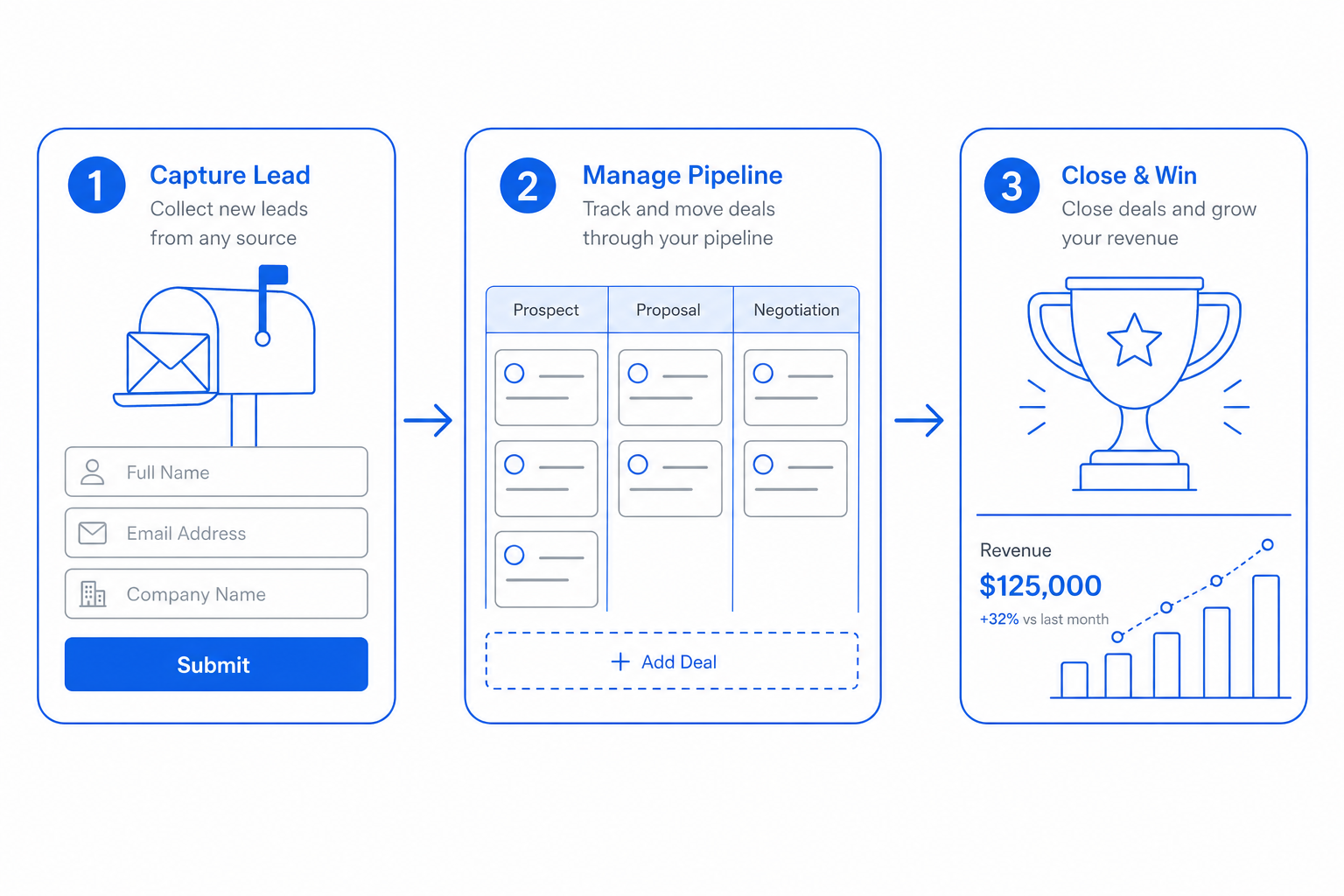
Campaign attribution dies between marketing and sales tools because each side has different definitions. CloudIP campaigns live in both: members from marketing audiences, conversions from CRM deals, revenue from invoicing.
You answer "did the campaign pay back?" without any spreadsheet.
Inside Campaigns
Specifics that distinguish CloudIP Campaigns from the alternative.
Member sources
Add members from CRM segments, marketing audiences, or imports.
Multi-channel touches
Email, SMS, ads, and direct mail all roll up under one campaign.
Cost and budget
Track spend per campaign for cost-per-acquired-customer math.
Revenue attribution
Closed-won deals carry their campaign so revenue rolls up automatically.
Campaigns on the CloudIP platform
Where this capability lives, who runs it, and what it shares with the rest of the system.
Campaigns runs as part of the CloudIP CRM module on the same multi-tenant infrastructure as every other capability you use. There is no separate console to log into and no separate billing line: CRM campaigns is provisioned the moment your tenant is created and stays in lockstep with the rest of the platform as it grows.
Operators interact with CRM campaigns through the CRM interface they already know — the same record screens, the same audit trail, the same role and permission model. Behind the scenes, member sources handles the heavy lifting, while revenue attribution keep the experience consistent across teams. Configuration changes are versioned, exportable, and reviewable, so the way you run CRM campaigns today is reproducible tomorrow.
Because Campaigns reuses the platform's user database, every action is attributable, every record has a stable ID, and every export honours the tenant's data residency choice. That means CRM campaigns reports tie out to the rest of the books, audit logs, and operational dashboards without an integration step in between.
Campaigns fits inside CloudIP CRM alongside the other crm capabilities — they share the same data model, so improvements in one tend to compound across the others. If you are evaluating CloudIP specifically for CRM campaigns, the rest of CRM comes along at no extra cost.
Common questions about Campaigns
A campaign is a multi-touch container — emails, ads, events, content — that you attribute revenue to. A single marketing email is one tactic inside a campaign. The reporting goal is to roll cost, leads, and closed-won revenue under the campaign name.
More from CRM
Capture, qualify, route, and convert leads with audit history.
Drag-and-drop kanban with stage rules and automation.
Weighted forecasts, quotas, and forecast-vs-actual rollups.
Drip outreach with steps, delays, and reply detection.
Send quotes that convert into invoices with one click.
Behavioral and firmographic scoring with decay rules.
Try CRM free for 14 days
See Campaigns alongside the rest of the platform on real data.